
Vidoyo uses Atlas Cloud for additional AI processing features.
Steps to Get Your API Key
- Go to Atlas Cloud:
https://www.atlascloud.ai/ - Click Sign Up and create your account
- After logging in, go to your Dashboard
- Locate the API / Developer Settings section
- Generate a new API Key / Token
- Copy your API key
How to Use It in Vidoyo
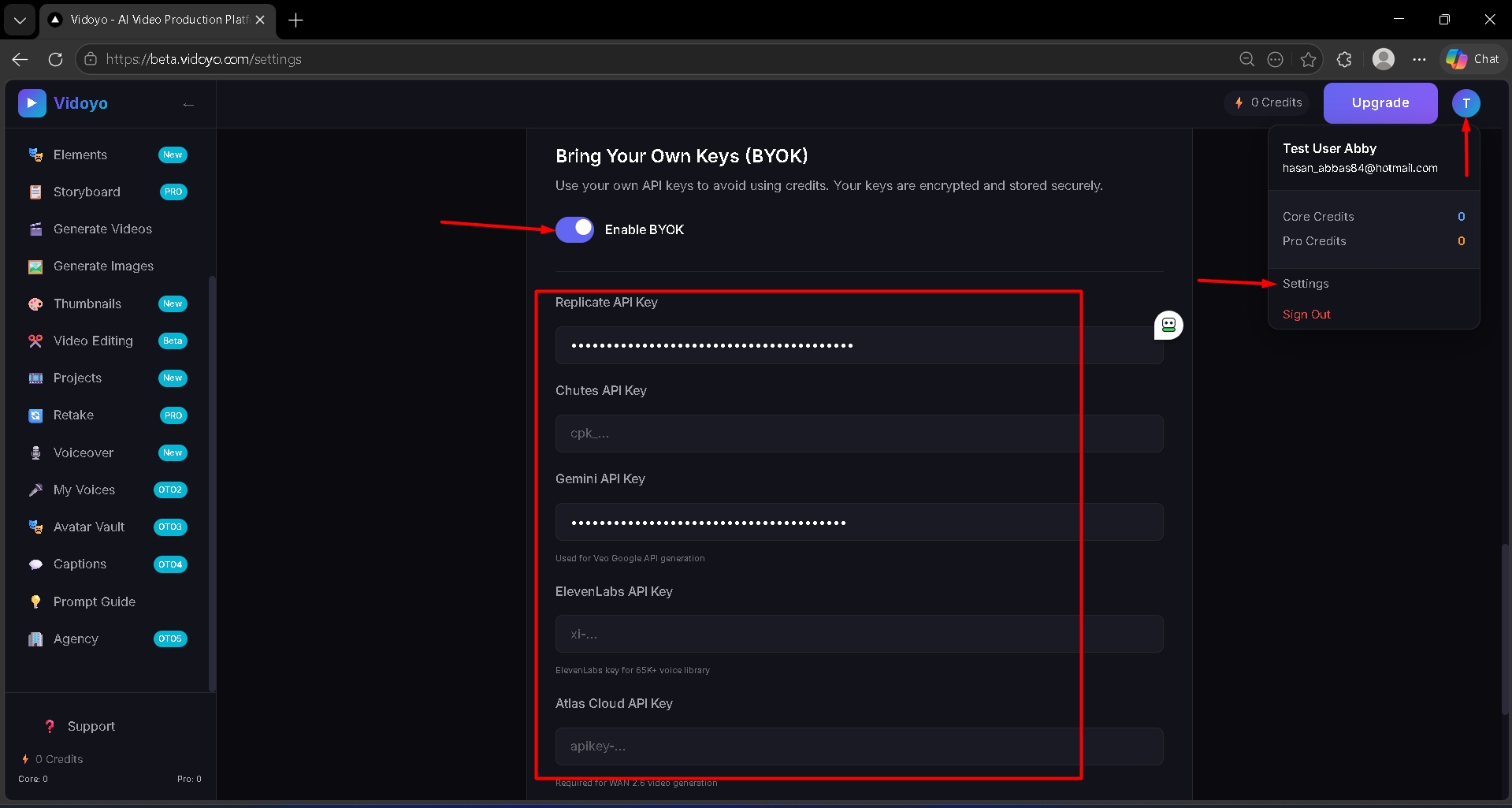
- Click on "Enable BYOK".
- Paste the API key into the Atlas Cloud API Key field inside Vidoyo
Important
- Keep your API key confidential
- Charges (if any) are managed through your Atlas Cloud account