
Vidoyo integrates with Google Gemini for AI text, image, and video capabilities.
Steps to Get Your API Key
- Go to Google AI Studio:
https://aistudio.google.com/ - Sign in using your Google account
- Once logged in, click on “Get API Key.”
- Create a new API key (or select an existing project)
- Copy your API key
How to Use It in Vidoyo
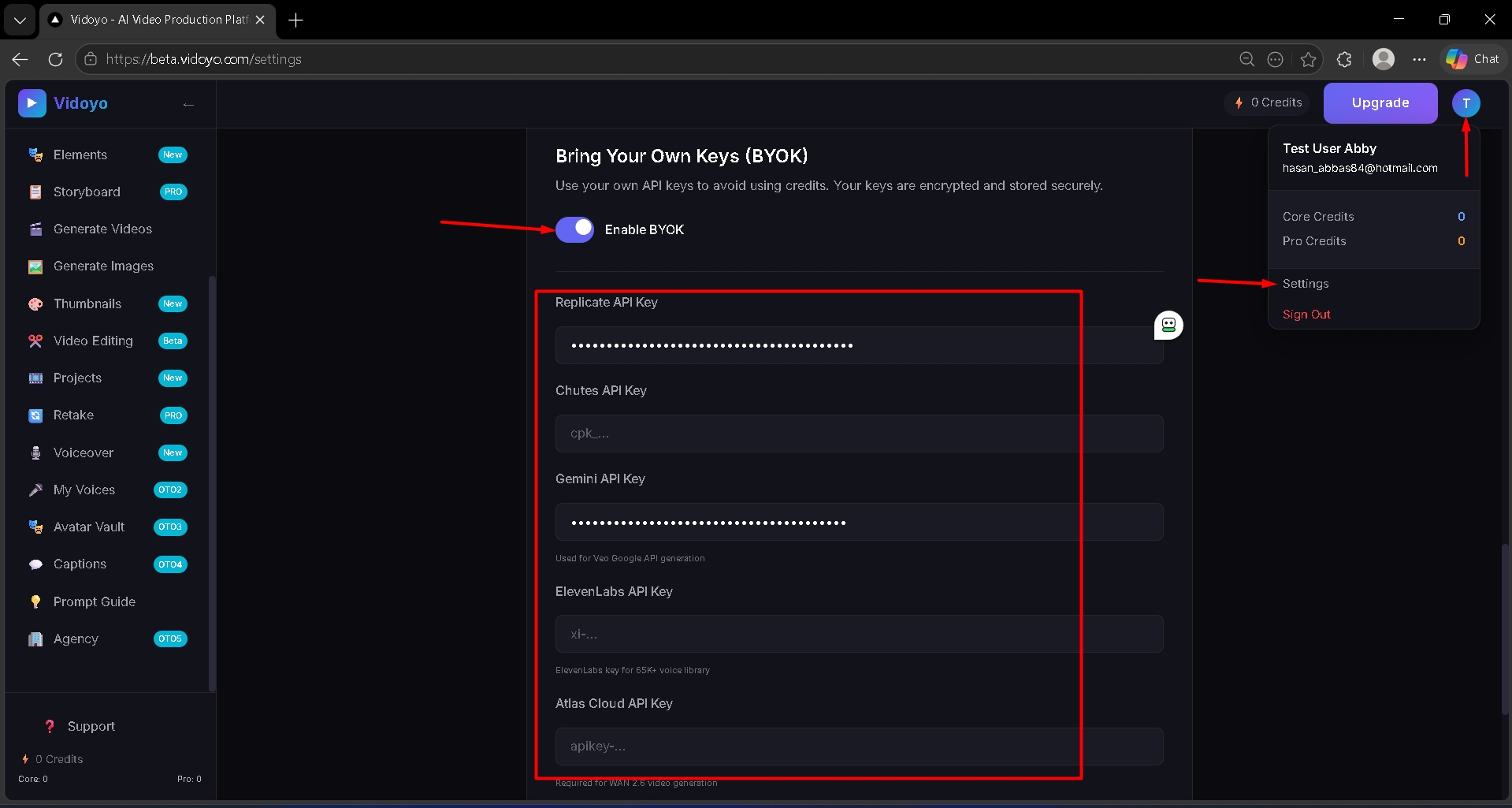
- Click on "Enable BYOK".
- Paste the API key into the Google Gemini API Key field inside Vidoyo
Important
- Keep your API key secure
- Usage may be subject to Google’s pricing and limits