
To let your agent post for you, you need a free Buffer account and a Buffer key:
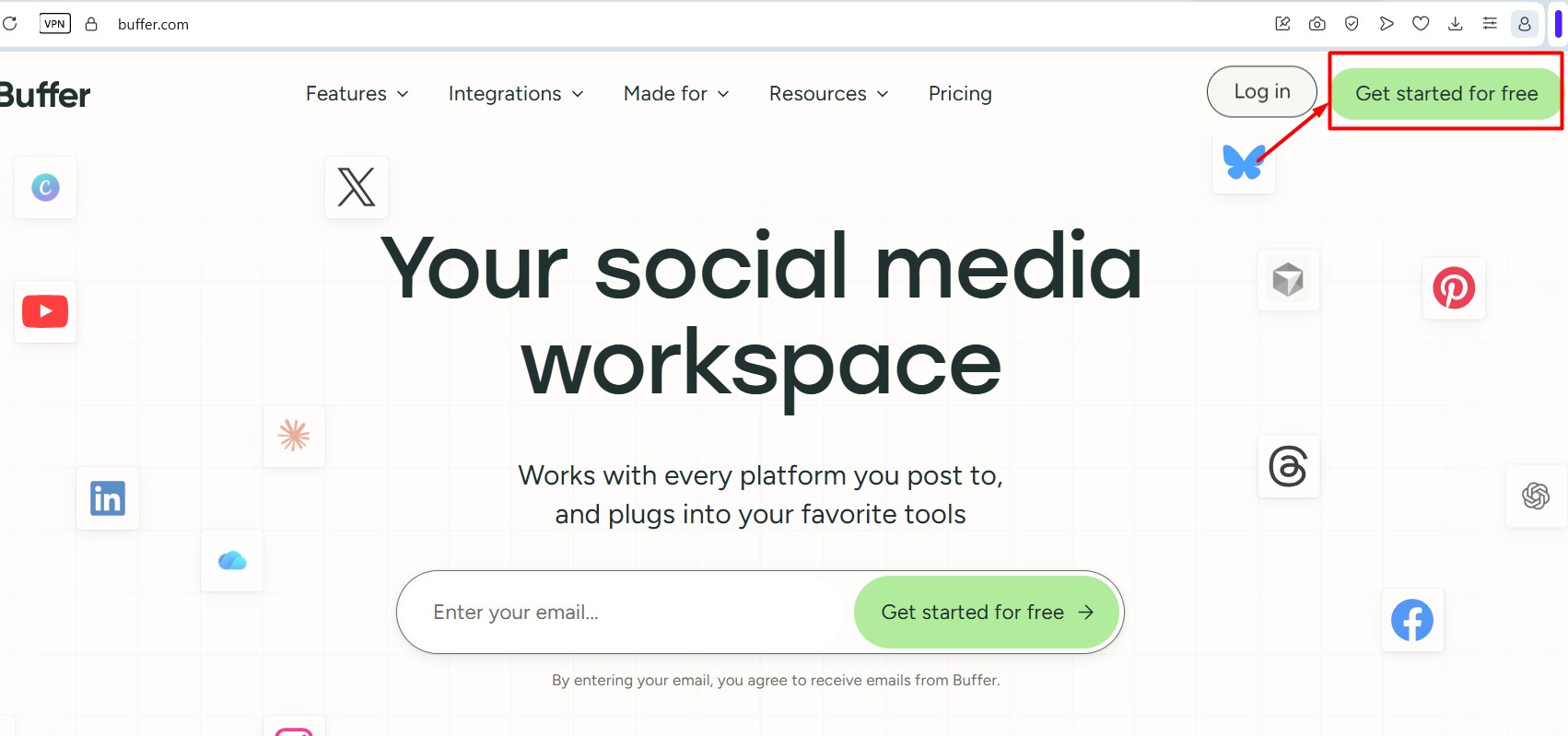
1. Go to https://buffer.com and create a free account. The free plan covers 3 channels.
2. In Buffer, add the TikTok account (or other channel) you want to post to.
3. Create your key: click your profile icon in the lower left corner, then API (or open https://publish.buffer.com/settings/api). Open the Personal Access tab and click + New Key.
4. Name the key "TokClaw", leave all permissions ticked, choose 1 year, then click Generate API Key and copy it.
5. In TokClaw AI, open Settings → Posting, paste your Buffer key and press Save key.